As an Amazon Associate, we earn from qualifying purchases. Some links may be affiliate links at no extra cost to you. Although our opinions are based on curated research, we haven't used these products. Articles generated with AI.

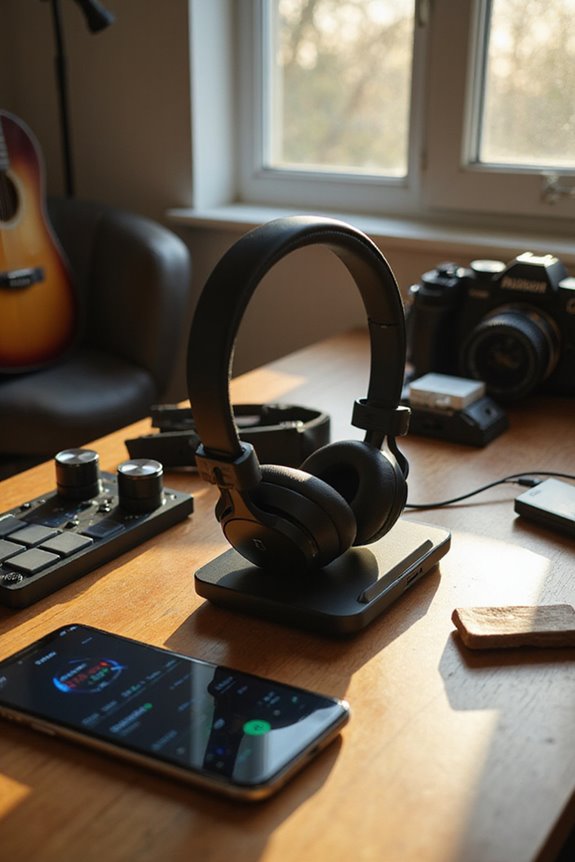
Extending Battery Life Of Wireless Headphones

To extend the battery life of our wireless headphones, we should adopt smart charging practices and optimize our usage. Let’s charge them to 40-60% before storing and unplug them once fully charged. It’s best to keep volume levels moderate, disable active noise cancellation when unnecessary, and maintain Bluetooth connection stability. Regular firmware updates can also enhance battery performance. By making these simple adjustments, we can enjoy longer listening sessions, and there’s more to discover on keeping our headphones in peak condition.
Key Takeaways
- Charge headphones to 40-60% before storage and avoid full discharges to prolong battery lifespan.
- Lower volume settings to 50-70% and disable unnecessary features like ANC when not in use.
- Turn off Bluetooth when headphones are not in use and stay close to the connected device for better stability.
- Regularly update firmware to enhance battery management and fix bugs that may lead to unnecessary drain.
- Clean charging ports and store headphones in a cool, dry place to prevent damage and maintain battery health.
Understanding Battery Technology
You may be interested



When it comes to wireless headphones, battery technology is a key player in our listening experience. Most of us rely on lithium-ion batteries due to their impressive energy density and lightweight design. These batteries offer high efficiency, allowing us to enjoy longer playback times while keeping our headphones compact. However, we need to be mindful of degradation factors that can impact battery lifespan, which typically spans 2 to 3 years with 300-500 charging cycles. Component interactions, including those with Bluetooth antennas and microphones, can affect real-world performance. Additionally, effective thermal management is essential, as heat can accelerate battery degradation. By understanding these elements, we can optimize our headphone usage and potentially extend battery life, enhancing our overall experience.
Optimizing Headphone Settings
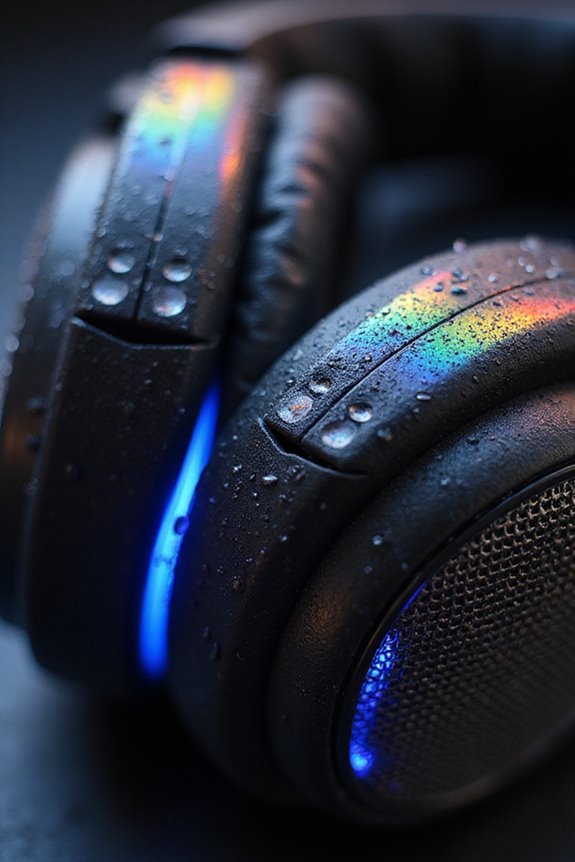
To make the most of our wireless headphones, optimizing settings can greatly enhance battery life without sacrificing our listening experience. First, let’s lower our volume settings to around 50-70%. This simple adjustment can considerably reduce power consumption. Additionally, we should consider disabling active noise cancellation (ANC) when it’s not necessary, as it can drain battery life by up to 20%. If we’re not using spatial audio or certain audio enhancements, turning them off can also help extend battery life. For those times when we need less distraction, using Transparency Mode strategically can save power too. By making these small changes, we can enjoy longer listening sessions while preserving the quality of our audio experience.

Total Compatibility: The headphones case fits with all soundcore over-ear headphones(including Space One, Space Q45, Life Q35/Q30/Q20/Q20i, etc.), ensuring a snug and secure fit. Note: For sale, soundcore headphones case only - headphones not included.
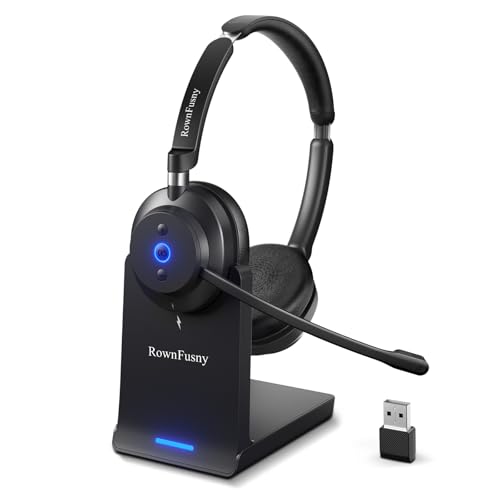
❗❗❗For operation questions, simply search 'RownFusny Connection Guide' on YouTube.💪【All-Day Comfort with Ergonomic Design】Designed for all-day comfort, this wireless headset with mic features a hand-drawn earcup curve that mimics the natural contour of the head for optimized ergonomics. Protein leather ear cushions with a soft, breathable finish help reduce heat buildup during extended wear. With vertical tilt adjustment up to 8 degrees, the earcups adapt naturally to different head shapes, helping relieve pressure on glasses frames and the outer ear.

S PEN INCLUDED: The included S Pen makes it easier than ever to write notes and personalize photos and videos, all without needing to charge. The S Pen attaches magnetically right to your tablet and is always ready to go.
Managing Bluetooth and Connections
Managing Bluetooth connections effectively can greatly enhance our wireless headphone experience while also extending battery life. By focusing on Bluetooth stability, we minimize unnecessary power drain from retransmissions and reconnections. For example, turning off Bluetooth when we’re not using our headphones can save battery on both the headphones and our devices.
Utilizing Bluetooth Low Energy (BLE) where possible is another smart move, as it considerably reduces power consumption. Staying close to our connected device also helps maintain a strong connection, lowering transmission power.
Let’s not forget about connection management; disconnecting unused devices prevents interference and reduces background scanning. By prioritizing single device pairing, we streamline our connections and enjoy longer listening sessions.
Charging and Battery Care
Charging and battery care are vital for guaranteeing our wireless headphones remain functional and last longer. To maximize our battery health, we should adopt proper charging practices. For instance, it’s important to unplug our earbuds once they’re fully charged, even if they have overcharge protection. Using the original charger guarantees peak current, while charging them regularly helps avoid complete battery drain. We must also keep charging ports clean to prevent debris buildup and moisture damage, safeguarding proper battery protection. Additionally, we should avoid extreme temperatures during charging, as they can harm battery cells. By following these guidelines, we can extend the lifespan of our wireless headphones and make sure they remain reliable for our listening needs.

Adaptive Hybrid Active Noise Cancelling & Clear Calls: blocking up to 99.8% of noise with deep -50dB reduction in just 0.02s. Driven by a high-speed ANC chip and layered sound sensors, these noise cancelling earbuds auto-adjust to planes, subways, offices, and workouts for precision quiet. Switch to Transparency Mode to hear traffic or teammates safely. Multi-mic voice boost and wind-noise control keep every call sharp and clear—ideal for commuters, travelers, remote work, and high-energy days.

Advanced Bluetooth 6.0 Dual-Mode Audio Freedom:In TX mode, use this bluetooth transmitter to connect to any AUX/RCA audio source—from TV as a bluetooth transmitter for TV, to airplane seatback as a bluetooth transmitter for airplane—pairing with headphones for clear, lag-free audio. In RX mode, receives wireless audio from a smartphone, tablet, or computer and plays it through audio systems that lack Bluetooth functionality.Hands-free calling via an integrated microphone.

【Sports Comfort & IPX7 Waterproof】Designed for extended workouts, the BX17 earbuds feature flexible ear hooks and three sizes of silicone tips for a secure, personalized fit. The IPX7 waterproof rating ensures protection against sweat, rain, and accidental submersion (up to 1 meter for 30 minutes), making them ideal for intense training, running, or outdoor adventures
Usage Habits for Efficiency
When we consider how to get the most out of our wireless headphones, our usage habits play a crucial role in maximizing efficiency and prolonging battery life. To start, let’s practice earbud rotation; switching between the left and right earbuds helps balance battery wear. Keeping volume levels moderate is key, too, as high settings can drain power by over 30%.
We should also be temperature aware; avoiding extreme heat or cold guarantees our headphones perform at their best. Remember to take breaks during long listening sessions, allowing our devices to cool down. Using power-saving modes and turning off features we don’t need can further enhance battery longevity, making our listening experience more enjoyable and less stressful.
Updating and Maintenance
Keeping our wireless headphones in top shape goes beyond just mindful usage habits; regular updates and maintenance play a considerable role in extending their battery life and overall performance. We should regularly check for firmware updates through the manufacturer’s app to guarantee headphone performance is optimized. Installing these updates while connected to a power source helps prevent mid-update interruptions. New firmware often includes battery efficiency improvements that can greatly reduce power consumption. After updating, restarting our headphones is essential for applying changes effectively. Additionally, managing companion app features can help balance convenience and battery life on both our headphones and smartphones. By prioritizing firmware compatibility and maintenance, we can maximize the longevity of our wireless headphones.
The Impact of Active Noise Cancellation
Active Noise Cancellation (ANC) technology offers a remarkable way to enhance our listening experience by blocking out distracting sounds, but it comes at a cost to our headphones’ battery life. The efficiency of ANC systems varies; higher intensity settings drain our battery more quickly, especially when tackling high-frequency noise, like keyboard typing or subway sounds. These frequencies demand greater power due to their complexity. To maximize battery life, we should activate ANC only in noisy environments and consider reducing its intensity in quieter settings. By understanding how noise frequencies impact power consumption, we can strategically manage our ANC usage, ensuring we enjoy superior sound quality while extending our headphones’ playback time. Balancing ANC and battery life is essential for a peak experience.
Choosing the Right Audio Settings
To get the most out of our wireless headphones, it’s essential to choose audio settings that balance sound quality and battery life. By adjusting our streaming settings, we can greatly extend usage time. Opting for medium audio quality instead of high can maintain decent sound while conserving battery. For instance, lowering the streaming quality can save us several hours of playtime.
We should also manage volume levels between 50% to 70% to prevent unnecessary battery drain—playing at max volume can reduce battery life by up to 30%. Additionally, disabling features like active noise cancellation when we don’t need them can further enhance battery longevity. Let’s take these simple steps to enjoy longer listening sessions with our wireless headphones!
Importance of Firmware Updates
When we consider how to extend the battery life of our wireless headphones, keeping firmware updates in mind is vital. Regular updates can enhance battery management algorithms, leading to improved playback time and reduced power consumption. For instance, manufacturers often release updates based on real-world usage data, specifically aimed at boosting battery life. These firmware benefits can fix bugs that cause unnecessary battery drain, ensuring our headphones perform efficiently. It’s important to check for updates frequently, as some models, like the Sony WF-1000XM4, may introduce new features that impact battery usage. By consistently applying updates while our headphones are charged, we help maintain ideal battery longevity throughout the product lifecycle.
Best Practices for Long-Term Storage
Proper storage of our wireless headphones can greatly influence their longevity and performance. First, let’s choose secure storage solutions—dedicated spots like a zippered pocket in our backpack or a headphone shelf can protect against damage and theft. We should also consider environmental factors; storing headphones in a cool, dry place away from direct sunlight prevents material degradation. Utilizing protective cases is essential—they keep our headphones safe from dust and accidental tangling while maintaining battery health. Before we store them, let’s confirm they’re charged to about 40-60% and clean from dust using a soft cloth. Regularly checking and maintaining our headphones guarantees they’re ready for action whenever we need them.
Frequently Asked Questions
Can I Use My Headphones While Charging Them?
When we’re charging our headphones, it’s best to avoid using them. Charging efficiency drops, and headphone usage can generate excess heat, risking both our safety and the device’s longevity. Let’s prioritize proper care!
Do Environmental Factors Affect Battery Life?
They say, “You can’t control the weather,” but we can control how our devices fare in it. Temperature extremes and humidity levels definitely impact battery life, so let’s keep our headphones in a stable environment.
How Do I Know When My Battery Needs Replacement?
We can tell our battery needs replacement by observing battery indicators like rapid percentage drops, unexpected shutdowns, and swelling. If we notice these replacement signs, it’s time to contemplate a new battery for safety.
Can I Charge My Headphones Overnight Safely?
It appears convenient, but charging our headphones overnight can compromise battery safety. By adjusting our charging habits, we can avoid risks like overheating and extend our headphones’ lifespan without worry.
What Happens if I Drop My Headphones?
If we drop our headphones, the drop impact can seriously compromise headphone durability. Internal components might shift or break, leading to sound issues or structural damage, ultimately affecting our listening experience. We should handle them with care!