As an Amazon Associate, we earn from qualifying purchases. Some links on this site are affiliate links at no extra cost to you. Our recommendations are based on thorough research and editorial judgment.

How to Shoot Slow Motion Video

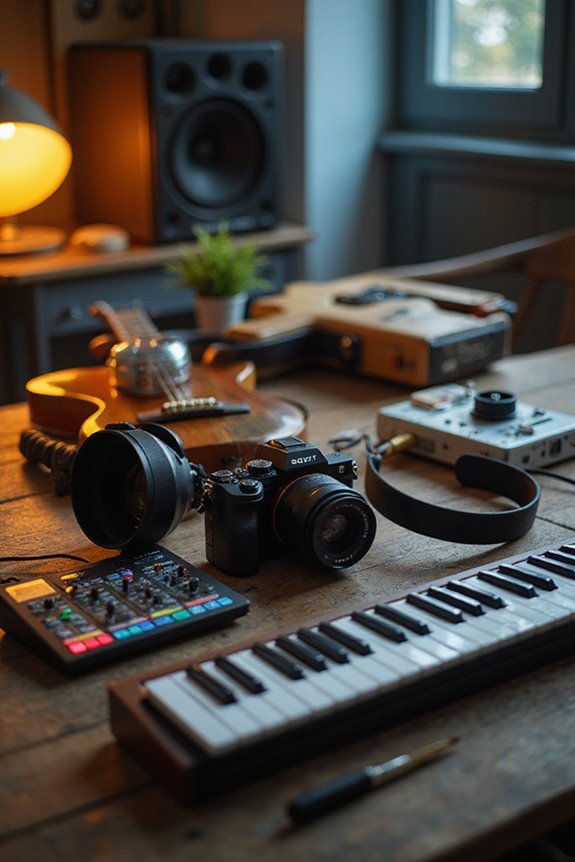
To shoot slow motion video effectively, we should focus on a few key elements. First, set your frame rate high—120 FPS is great for capturing intricate details. Don’t forget to follow the 180-degree shutter rule; for 120 FPS, use a shutter speed of 1/240 sec. Proper lighting is essential, so use powerful LED lights to avoid grainy footage. Camera stabilization is vital, too; consider using gimbals for smooth shots. Let’s explore more tips to elevate our slow-motion game.
Key Takeaways
- Select a camera capable of high frame rates, ideally 120 FPS or higher, for quality slow-motion footage.
- Follow the 180-degree shutter rule, setting your shutter speed to 1/240 sec for 120 FPS.
- Ensure powerful, flicker-free LED lighting is used to avoid grainy visuals; opt for 300W to 500W lights.
- Employ stabilization techniques or equipment, like gimbals, to minimize camera shake in slow-motion shots.
- Strategically plan your shots with gentle camera movements for smoother, visually pleasing slow-motion results.
Frame Rate and Shutter Speed Settings
You may be interested
When we’re planning to shoot slow motion video, understanding the relationship between frame rate and shutter speed is essential for achieving the best results. For frame rate selection, a common choice is 60 FPS, which slows footage to around half speed without sacrificing fluidity. If we want to capture action scenes or fast movements, opting for 120 FPS can reveal intricate details, but it’s important to adjust our shutter speed accordingly. Following the 180-degree shutter rule, if we set our frame rate to 120 FPS, we’d want our shutter speed at 1/240 sec. This shutter speed adjustment helps prevent unnatural flickering while ensuring smooth motion. By carefully balancing these settings, we can elevate our slow motion video quality considerably.
Recommended Products

【Ultra HD 12megapixel】Recording max 4000(H)x3000(V) video and still picture.

Ultra High Frame Rate: Built with 1/4-inch OV9281 sensor, this monochrome camera supports 120fps@1280x800, 210fps@480P, 420fps@240P and max 640fps ultra-high frame rate. It captures tiny details of fast-moving objects precisely, ideal for high-speed motion recording and trajectory analysis.

Lighting Requirements
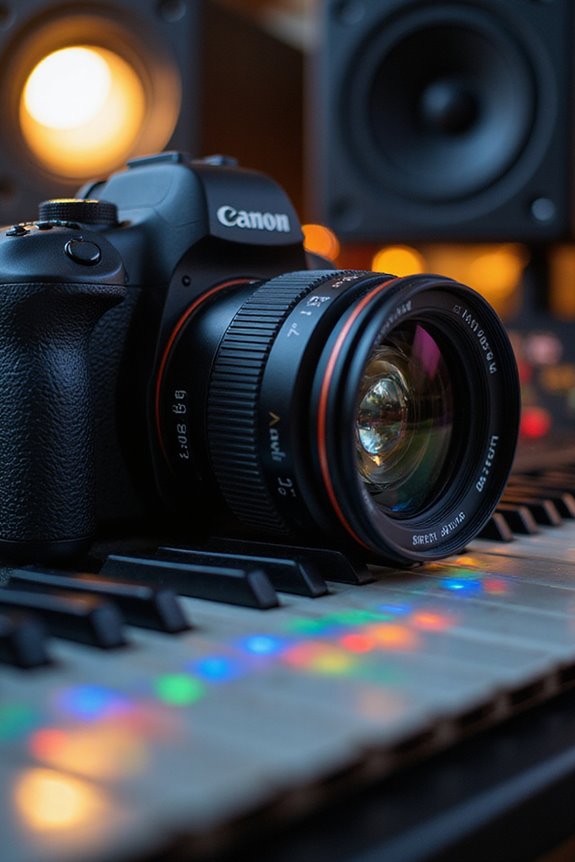
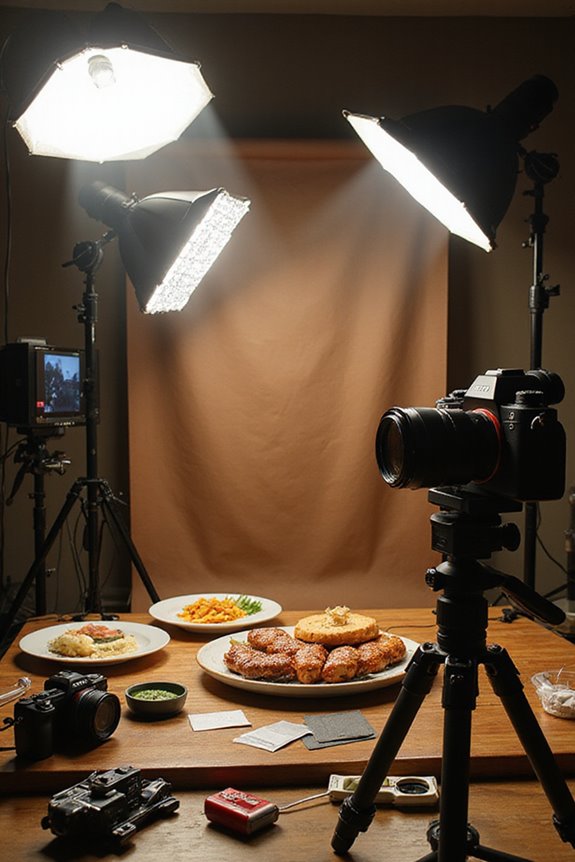
Achieving stunning slow motion footage requires us to pay close attention to our lighting setup, as it greatly impacts video quality. Because slow motion filming demands more light intensity, we’ll need powerful LED lights between 300W to 500W, especially when shooting at higher frame rates like 1000 fps. Flicker considerations are crucial; using flicker-free lighting prevents unlit frames and banding patterns. Opt for high-quality LED lights, such as the Godox SL300Bi or PiXAPRO LED S500D, which maintain excellent color fidelity thanks to high CRI and TLCI ratings. Additionally, we should strategically place lights to guarantee even coverage without hotspots, allowing us to capture our scenes beautifully even under challenging lighting conditions. Incorporating adjustable brightness settings into your lighting kit can further enhance flexibility in achieving the desired effect.
Recommended Products

【Complete Creator Kit: Brighter Videos Made Easy】This 2-pack 12 inch Video Light Kit includes 2 LED Studio Lights, 2 tripod stands, 2 phone holders, a remote and storage bag, giving creators, streamers, online sellers and home users a ready setup for YouTube videos, live streaming, product photos, makeup tutorials, video calls and home studio recording with clearer, brighter results

【MULTIPLE COLOR TEMPERATURE & ADJUSTABLE BRIGHTNESS】There are 3 Color temperatures (2800K, 4800K & 6500K) which offer different lighting atmosphere; This Studio Light is equipped with 356 Led beads which offers a stable and ample output of 15W. Features a high CRI of 97+ for precise color rendering. Adjust the brightness in a range of 10 to 100% with button up and down on remote to meet different photography circumstances, offering extra lighting for your works.

【650LUX/M Soft and Eye-Friendly】The RALENO 13" led light panel offers a soft light that prevents eye strain, ensuring a comfortable and pleasant experience during video recording, photography, YouTube lighting conference calls and live streaming. Delivers 650LUX/M, perfect for crisp, well-lit photos and videos, yet gentle on skin tones—no harsh
Camera Stabilization and Movement
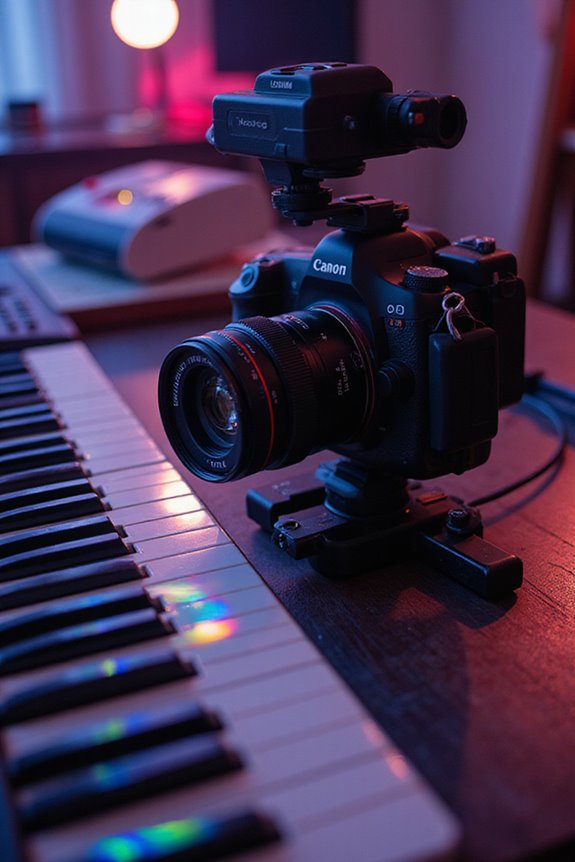
Camera stabilization and movement play a pivotal role in achieving smooth slow motion video. When we shoot handheld, we can use techniques like cradling the camera in the crook of our elbow and tucking our elbows into the torso to minimize shake. For more significant stabilization, we should consider gimbal options, like the Zhiyun Crane or DJI Osmo, which counteract unwanted movement. Additionally, slower camera movements, such as gentle pans or tracking shots, enhance the slow-motion experience. If we encounter any jitters, we can apply stabilization software in post-production, like Adobe Premiere Pro, to fine-tune our footage. With these methods, we can create visually enchanting slow-motion results, elevating our storytelling to new heights.
Recommended Products

795g (1.75lbs) Lightweight and Portable - DJI RS 3 Mini is an ultra-compact gimbal stabilizer for camera convenient for travel. Weighing only 795g (1.75 lbs), RS Mini 3 is easy to hold for extended shooting.
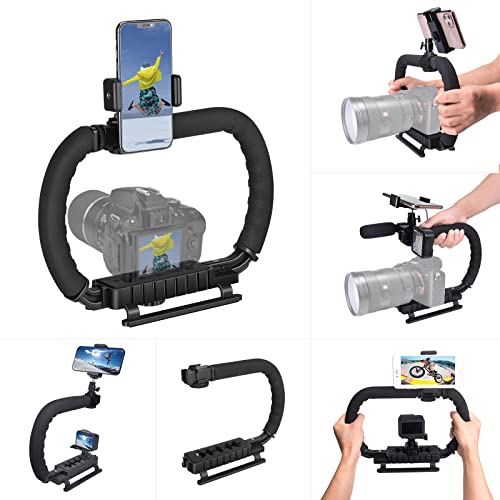
【High Quality Material】It is made of high quality ABS material. The weight is light but durable.
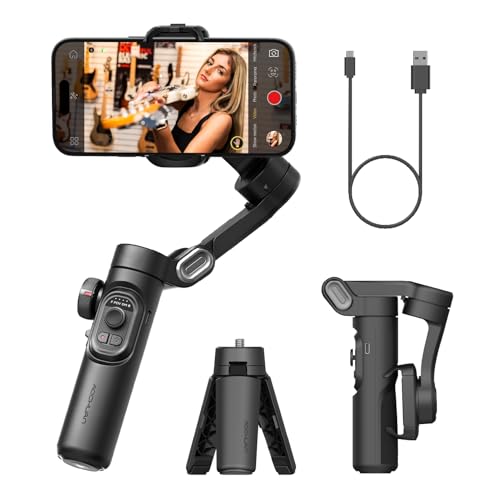
[Powerful and Versatile 3-Axis Foldable Gimbal Stabilizer for Smartphones.]More powerful than any other smartphone gimbal, works well and compatible with iPhones and most Android phones.Smart XE phone gimbal is equipped with versatile compatibility of smartphones. Suitable for vlogging, live-streaming, selfie, hiking, and sports scenarios. One-Click video button effortlessly switchs between horizontal and vertical portrait mode for quick TikTok video or YouTube shorts.
Equipment and Camera Choice
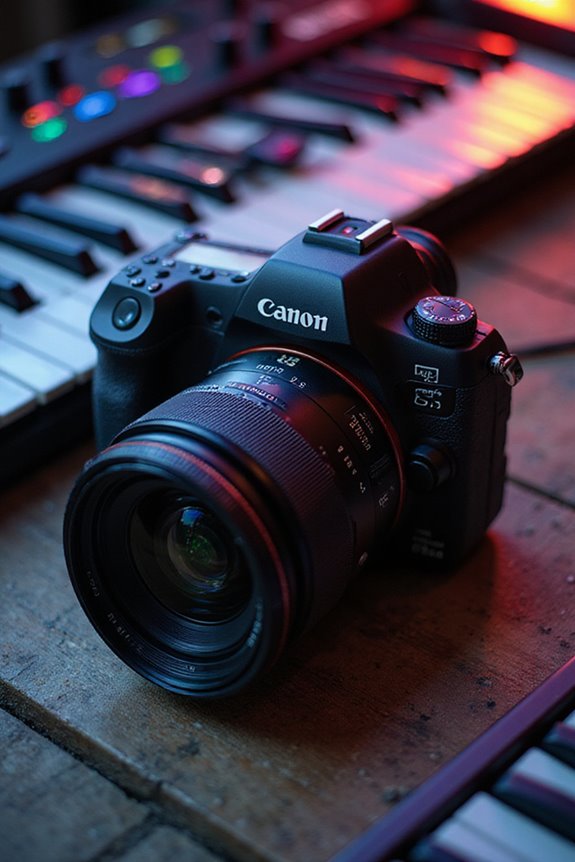
For capturing mesmerizing slow motion video, selecting the right equipment is essential. We recommend looking for cameras that support high frame rates, like the Sony Alpha a7S III, which can shoot at 120 fps in full HD. This enables stunning 5x slow motion effects. If we want to push the envelope, aiming for cameras that support 240 fps or higher is ideal, especially for dramatic scenes.
When it comes to lens options, consider fast lenses with wide apertures to optimize light capture, essential for high-speed shooting. Mirrorless cameras are often a top choice, but DSLRs can still work for moderate effects. Ensuring we have appropriate lighting and stabilization tools only enhances our slow motion experiences. Let’s gear up smartly! Additionally, utilizing cameras with high-quality 4K video recording enhances the overall visual experience of your slow-motion footage.
Recommended Products

Compact, lightweight and high-image quality RF tele zoom lens, with a versatile zoom range of 100-400mm

Stellar Image Quality: Canon EOS R100 4K digital camera with 24.1 megapixel CMOS (APS-C) sensor for superb image clarity and detail can capture images with natural bokeh

Multi coated lens: A multi coated lens element reduces ghost and flare to deliver high optical performance (12 elements in 9 groups, [1 UHR lens and 2 aspherical lenses])
Creative Uses of Slow Motion
When we harness the power of slow motion in our videos, we release a wealth of creative potential that fascinates audiences. This technique enhances emotional storytelling by allowing us to emphasize fleeting moments. Imagine showing a dancer’s graceful movement or an athlete’s split-second decision in a way that draws in viewers. We can also use slow motion for artistic experimentation, creating dreamlike visuals that challenge traditional expectations. It allows us to isolate key moments within action scenes, providing dramatic pauses that invite reflection. By combining slow motion with thoughtful music, we amplify emotional resonance, making even the simplest actions enthralling. With intentionality, we can elevate our storytelling, capturing the intricate details that define our narrative arcs.
Common Mistakes to Avoid
To maximize the impact of our slow motion videos, we need to be aware of common mistakes that can compromise our results. One major issue arises from neglecting to adjust our shutter speed; it should always double our frame rate to avoid ghosting or choppy playback. Another common misconception is overcranking our frame rate unnecessarily; shooting at 240fps might seem impressive, but it can lead to unusable footage and storage challenges.
Additionally, improper lighting can ruin our slow motion techniques, resulting in grainy visuals. Finally, let’s not forget about stabilization—camera shake becomes even more distracting in slow motion. By steering clear of these pitfalls, we can enhance both the technical quality and the visual enjoyment of our slow motion videos.
Tips for Planning and Executing Slow Motion Shots
Planning and executing slow motion shots requires thoughtful consideration of both the subject and the surrounding environment. First, our subject selection is imperative—think dynamic movements like athletes or dancers. Capturing key moments right before, during, and after peak action enhances emotional depth by showcasing anticipation and reaction. For instance, a basketball dunk can highlight tension beautifully.
Next, we should use stabilizing equipment to avoid shaky footage, which is fundamental in slow motion. Experimenting with different camera angles helps maintain visual interest. Also, good lighting is essential since higher frame rates require faster shutter speeds. Let’s verify our exposure settings are accurate to maintain clarity, as these minor details can greatly enhance our storytelling.
Recommended Products

Experience Seamless Stability - Osmo Mobile 7's robust 3-axis gimbal stabilization ensures lossless stability, making it a vital part of any content creator's essentials. Capture creative bursts and craft stunning, cinema-quality masterpieces with ease.

Detachable Remote Controller: The hohem iSteady X3 SE Gimbal comes with a detachable magnetic remote, allowing you to effortlessly control selfies and videos from up to 32.81 feet away. This phone stabilizer is perfect for capturing family gatherings and solo travel moments with ease

[Upgraded 3-Axis Gimbal Stabilizer for Smartphone] Embark on a journey of capturing life's most cherished moments with the L7C Pro iPhone stabilizer, as its dynamic 3-axis stabilization feature transforms shaky footage into silky smooth cinematic shots. Picture yourself on a family vacation, effortlessly recording panoramic views and cherished memories with professional-grade stability that breathes life into your videos. As an aspiring videographer or content creator, the advanced 3-axis iphone gimble technology offers the ideal companion for elevating your filming game, ensuring that every shot reflects a level of polished professionalism fit for various storytelling platforms.
Frequently Asked Questions
How Does Slow Motion Affect Audio Quality in Video?
When we slow motion video, we often face audio distortion and sync issues. It’s essential to plan ahead, ensuring our audio quality remains intact and aligning perfectly with the visuals for a seamless cinematic experience.
Can I Edit Slow Motion Footage on a Smartphone?
Absolutely, we can edit slow motion footage on our smartphones! With various slow motion apps available, we can utilize built-in smartphone editing features to enhance our videos, making adjustments seamlessly right on our devices.
What Subjects Work Best for Slow Motion Capture?
When we think about subjects that work best for slow motion capture, water splashes and animal movements immediately come to mind. They reveal mesmerizing details, transforming everyday scenes into enchanting visual experiences that are truly unforgettable.
How Do Frame Rates Differ Across Various Camera Brands?
Did you know some cameras can shoot at an incredible 240fps? When we explore frame rate comparisons across camera brand differences, it’s clear models like the Sony FX9 and Blackmagic Pocket 4K excel for filmmakers.
Do Filters or Lenses Impact Slow Motion Video Performance?
Filters and lenses greatly impact slow motion video performance; different filter types balance light exposure, while lens effects influence sharpness and detail. Together, they enhance clarity, ensuring our footage captures stunning slow motion moments effectively.