As an Amazon Associate, we earn from qualifying purchases. Some links on this site are affiliate links at no extra cost to you. Our recommendations are based on thorough research and editorial judgment.

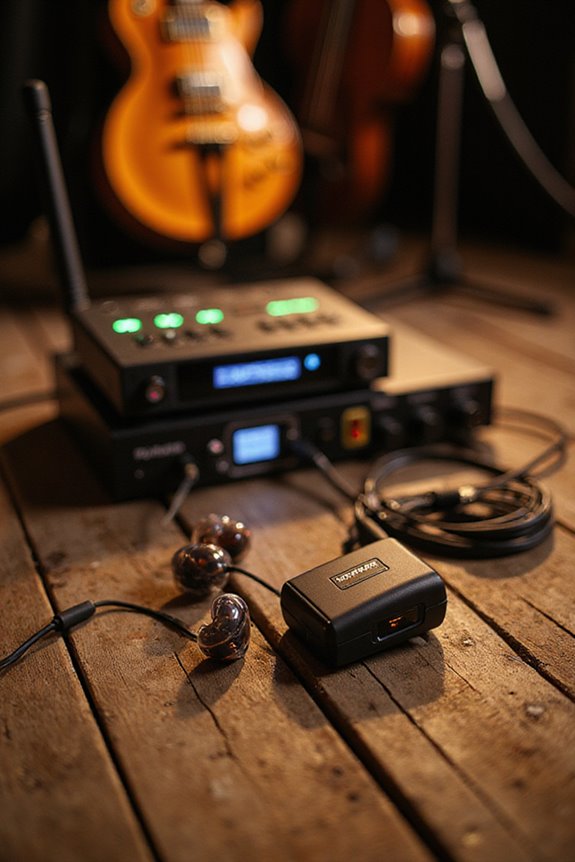
How to Set Up In-Ear Monitors for Live Performance

Setting up in-ear monitors (IEMs) for live performance starts with choosing quality components like a rack-mounted transmitter and wear-resistant receivers. We need to configure our mixer, using pre-fader aux sends for individualized mixes—vocalists might want more vocals, while drummers often need kick and snare clarity. Ensuring a proper fit for earphones is vital for sound quality and hearing protection. Keeping an eye on battery life and managing frequencies will help prevent issues during the show, and much more essential information awaits!
Key Takeaways
- Position the transmitter strategically offstage to minimize signal dropouts and ensure a reliable wireless connection.
- Use a mixing console with pre-fader aux sends to create personalized monitor mixes for each performer.
- Conduct thorough soundchecks to adjust monitor mixes based on individual preferences and ensure clarity during performance.
- Regularly monitor RF interference and battery life to prevent audio dropouts and static during the show.
- Ensure a proper fit with earpieces to enhance sound quality and protect hearing while performing.
Components and Equipment for IEM Setup
You may be interested
When we set up in-ear monitors (IEMs), understanding the essential components makes all the difference in ensuring a smooth performance. The transmitter, typically rack-mounted offstage, sends the audio mix wirelessly to the receivers worn by performers. These receivers connect to various earphone types, whether custom-molded for a perfect fit or universal for easy sharing. Proper transmitter placement is vital; strategic positioning reduces signal dropouts. We also rely on durable cables and connectors to link everything seamlessly. Additionally, splitters help duplicate audio signals for both the IEM system and the main PA. By considering these components, we can create an effective IEM setup that enhances both sound quality and performance comfort, ensuring everyone stays focused on delivering their best.
Recommended Products

Package includes 1 x Patch Panel, 4 x Bulkhead Adapter and Cage Screws, with 2MM thick hard steel construction with loading capability more than 200 LB without bending or broken

Recording practicing device for guitar beginner. JW-07 2.4GHz Wireless IEM features 48kHz/16bit great audio clarity and supports new player to record practicing and monitoring

PREMIUM SOUND QUALITY: 192kHz professional audio sampling rate and 110dB SNR ensure clear sound output. 24-bit high sampling depth, ensuring dynamic recording reduces distortion for a purer sound quality. Virtually no lag with less than 6ms latency
Signal Flow and Mixer Configuration
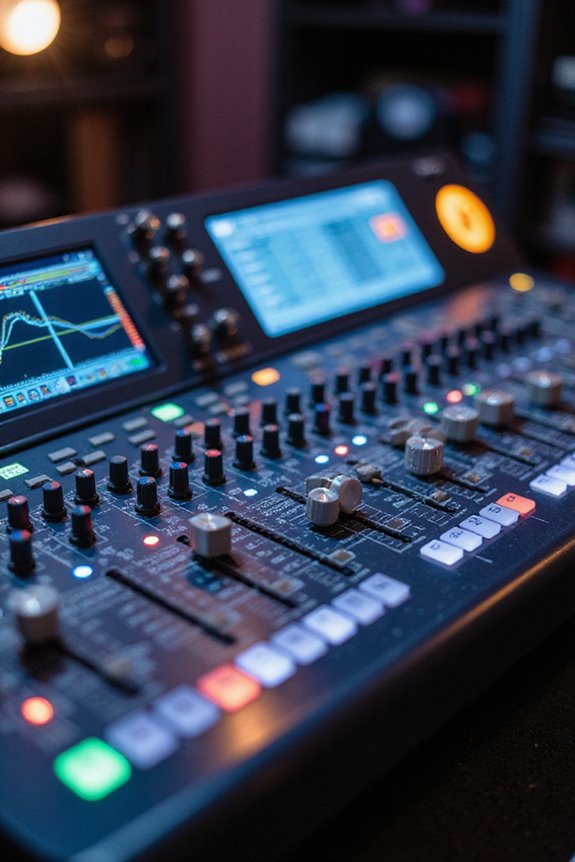
To guarantee our in-ear monitors (IEMs) deliver the best sound quality, we must carefully manage the signal flow and configure the mixer. Effective signal routing starts with sending audio from stage inputs through our mixing console. We typically assign separate aux sends for each band member to allow for personalized mixes. Using pre-fader aux sends guarantees that monitor levels remain independent from the front-of-house mix. For mix enhancement, balancing vocal and instrumental levels is critical for clarity. We can improve our mixes further by inserting equalizers on aux sends and using compression on vocal channels. This way, we maintain consistent levels and avoid sudden volume spikes, making sure every performer hears exactly what they need for an ideal performance.
Recommended Products
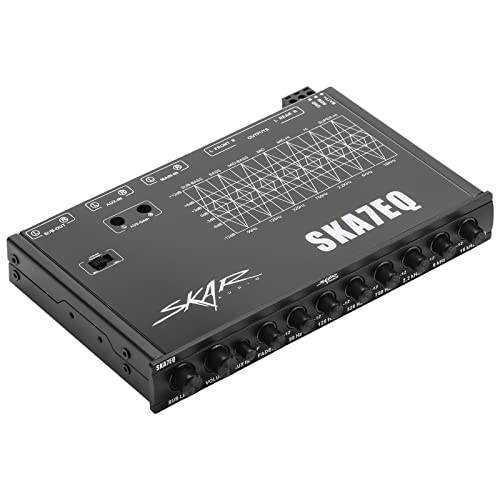
6 Channel 7-Band High Performance Car Audio 1/2 DIN Pre-Amp Electronic Equalizer

7 Equalization bands (63hz, 125hz, 315hz, 750hz, 2.2khz, 6khz, and 12khz), could be adjustable from -12 to + 12db. The Subwoofer frequency is in 30Hz to 120Hz adjustment. (💡💡WARM TIP:If you have any questions or concerns, please don't hesitate to contact us, we will try our best to solve the problem for you.)

Precision Audio Control: Seven adjustable frequency bands (50Hz, 125Hz, 315Hz, 750Hz, 2.2kHz, 6kHz, 16kHz) with ±12dB boost/cut for detailed sound customization.
Setting Up Individual Monitor Mixes
Setting up individual monitor mixes is essential for ensuring every performer hears exactly what they need to deliver their best. Each performer has unique preferences; for example, vocalists often require a louder mix for clarity, while drummers may need a focus on kick and snare for tight timing. To achieve this, we start by setting aux send levels to zero and then gradually adding channels based on performer requests. During soundchecks, we fine-tune these mixes, ensuring they’re comfortable and clear. By prioritizing mix clarity and addressing individual preferences, we create an ideal listening environment, ultimately enhancing the performance. Regular communication with performers helps us refine these mixes throughout the show, ensuring consistent audio quality.
Recommended Products

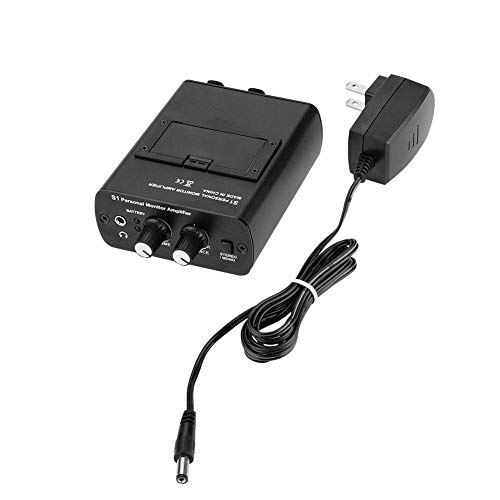
Personal in-Ear Monitor System: The JCANOL powerful in ear monitor amplifier has more than enough power to boost even the weakest line level signal, all while maintaining signal integrity, zero feedback, and lightning-fast response time.
Consumer Alert: Most users do not need a license to operate this wireless microphone system. Nevertheless, operating this microphone system without a license is subject to certain restrictions: the system may not cause harmful interference; it must operate at a low power level (not in excess of 50 milliwatts); and it has no protection from interference received from any other device.

PERFECT MIX EVERY TIME: Get the ‘goldie locks’ mix every gig or rehearsal. The powerful in ear monitor amplifier has more than enough power to boost even the weakest line level signal.
Wireless System Management and Troubleshooting
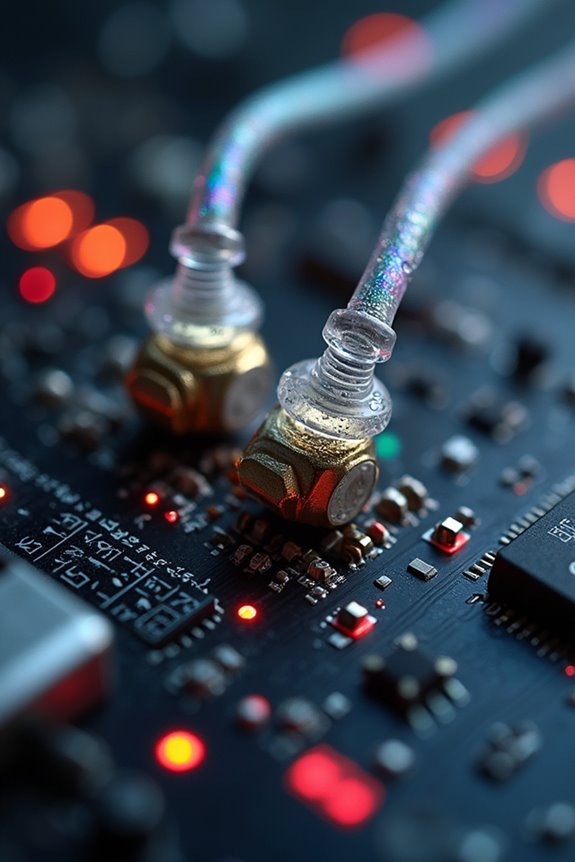
Effective management of wireless in-ear monitor (IEM) systems can make a significant difference in live performance quality. We should prioritize frequency coordination to avoid interference and guarantee a seamless experience. Utilizing automatic frequency scanning can help us quickly find the clearest channels, minimizing setup time and complications.
During performances, monitoring for external RF interference is vital; we can mitigate issues by repositioning equipment or adjusting frequencies as needed. It’s important to keep an eye on battery life, using rechargeable options to extend runtime. If we encounter audio dropouts or static, we must act swiftly—rescan frequencies or reposition receivers to maintain clarity. By staying proactive, we can guarantee our wireless systems perform reliably, enhancing both our sound and the audience’s experience.
Recommended Products

Upgraded <4.5MS Latency: LEKATO upgraded MS-02 in-ear monitor system is lower latency than MS-01, Mono mode <4.5ms ultra-low latency wireless transmission; low noise, ultimate sound quality, equipped with a 24bit/48KHz high sampling rate, which ensures the sound quality is delicate and realistic, providing clear and pure sound for performance or monitoring.

30Hrs Battery Life–LEKATO all-in-one portable rechargeable wireless in ear monitor system , 30Hrs Usage Time with case, charging 2 times for 1 Transmitter +2 Receivers, 2000mAh Battery Capacity, Type-C Cable, ples using 5V 2A charging head, good for your band practicing or performing.

🎵 Wireless In Ear Monitoring for Music Practice & Live Performance - Designed for singers, drummers, guitarists, worship teams, and musicians who need flexible wireless audio monitoring for rehearsal, livestreaming, church worship, recording sessions, and small stage performances. Enjoy more freedom of movement without traditional monitor cables.
Proper Fit and Hearing Protection
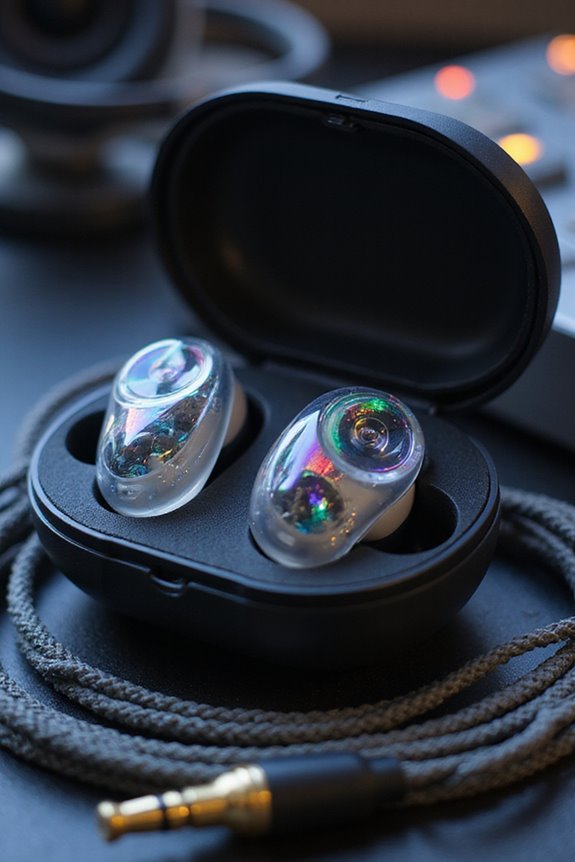
When we prioritize a proper fit for our in-ear monitors (IEMs), we’re not just enhancing our sound quality; we’re also taking an important step toward protecting our hearing. The right earpiece selection is key—experiment with different sizes and materials like Comply foam or SpinFit tips for that perfect snug fit. Using proper fitting techniques, such as pulling our ear back during insertion, helps achieve a secure seal, reducing external noise and preventing pressure buildup.
It’s vital to monitor volume levels to avoid damaging our hearing, especially in loud environments. Regular check-ups on our ear protection can guarantee we’re safeguarding our hearing without compromising sound quality. By focusing on fit and protection, we can enjoy our performances safely.
Recommended Products
![[6 Pairs] Earphone Tips New bee 12pcs Replacement Earbud Tips](https://m.media-amazon.com/images/I/41ugOgjVjrL._SL500_.jpg)
Slow rebound earphone, enhance the comfort of the headset to wear. Available and general; Soft and fitting your ear, long time to wear without swelling.

Compatibility: The memory foam replacement ear tips for KZ ZS10 Pro X ZSN EDX PRO AS10 ZST ,Sennheise IE 100 IE200 Pro, Moondrop Chu II Blessing3 Aria 2 Starfield 2, FIIO FH5S FH7S FA7, HEXA, KBEAR KS1, MEE M6 PRO MX1, BZINK, FLARE AUDIO and More

【 Compatibility 】 Compatible with Shure SE215, SE215 Pro etc; Compatible with Etymotic Research ER20XS, ER20, ER4XR, ER3XR, ER2XR, ER3SE, ER2SE, ER4SR etc; Compatible with Klipsch Earphones, but the ear tips may not fit into charge case; Compatible with Westone Earbuds; also compatible with most other inner hole from 2mm to 2.5mm In-Ear Headphones.
Benefits of In-Ear Monitors in Live Performance
In-ear monitors (IEMs) bring a host of advantages to live performances that can greatly enhance both the artist’s experience and the overall sound quality for the audience. One significant benefit is superior sound isolation. By sealing the ear canal, IEMs block out ambient noise, allowing us to hear a clear mix of vocals and instruments. This clarity helps with timing and pitch accuracy, essential for enthralling performances.
Additionally, IEMs offer customized monitor mixes tailored to our individual preferences. We can adjust our sound on the fly, ensuring we focus on what’s critical to our role. With reduced stage volume, feedback risks diminish, enhancing communication with sound engineers. Overall, IEMs elevate our mobility and stage presence, facilitating a dynamic connection with our audience.
Frequently Asked Questions
How Do I Choose the Right IEM System for My Band?
When choosing the right IEM system for our band, we should consider IEM types that fit our needs and budget considerations, balancing sound quality with costs to guarantee everyone has a great monitoring experience.
Can I Use IEMS With Traditional Floor Monitors?
Did you know that using IEMs can lower stage volume by up to 20 dB? While IEM compatibility with floor monitors is possible, we prefer mixing techniques that enhance clarity and reduce noise for peak performance.
What Are the Best Practices for Cleaning IEMS?
When it comes to cleaning IEMs, we recommend effective cleaning techniques and maintenance tips. Regularly disinfect, use microfiber cloths, avoid cotton swabs, and monitor moisture to guarantee longevity and sound quality for our devices.
How Do I Address Latency Issues With IEM Systems?
Like a tightrope walker, we must balance our latency solutions with digital processing. By minimizing signal complexity and optimizing buffer sizes, we can keep our performance seamless, ensuring we stay in sync with each other.
What Accessories Enhance the IEM Performance During Live Shows?
To enhance our IEM performance during live shows, we should prioritize cable management for clean setups and invest in reliable wireless transmitters to guarantee stable sound transmission. These upgrades considerably improve our overall stage experience.