As an Amazon Associate, we earn from qualifying purchases. Some links may be affiliate links at no extra cost to you. Although our opinions are based on curated research, we haven't used these products. Articles generated with AI.

How to Set Up In-Ear Monitors for Live Performance

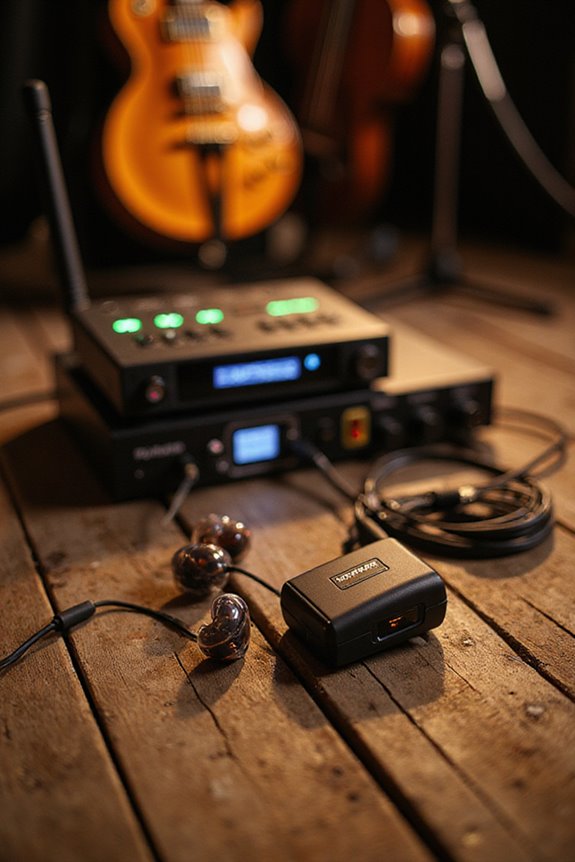
Setting up in-ear monitors (IEMs) for live performance starts with choosing quality components like a rack-mounted transmitter and wear-resistant receivers. We need to configure our mixer, using pre-fader aux sends for individualized mixes—vocalists might want more vocals, while drummers often need kick and snare clarity. Ensuring a proper fit for earphones is vital for sound quality and hearing protection. Keeping an eye on battery life and managing frequencies will help prevent issues during the show, and much more essential information awaits!
Key Takeaways
- Position the transmitter strategically offstage to minimize signal dropouts and ensure a reliable wireless connection.
- Use a mixing console with pre-fader aux sends to create personalized monitor mixes for each performer.
- Conduct thorough soundchecks to adjust monitor mixes based on individual preferences and ensure clarity during performance.
- Regularly monitor RF interference and battery life to prevent audio dropouts and static during the show.
- Ensure a proper fit with earpieces to enhance sound quality and protect hearing while performing.
Components and Equipment for IEM Setup
You may be interested
When we set up in-ear monitors (IEMs), understanding the essential components makes all the difference in ensuring a smooth performance. The transmitter, typically rack-mounted offstage, sends the audio mix wirelessly to the receivers worn by performers. These receivers connect to various earphone types, whether custom-molded for a perfect fit or universal for easy sharing. Proper transmitter placement is vital; strategic positioning reduces signal dropouts. We also rely on durable cables and connectors to link everything seamlessly. Additionally, splitters help duplicate audio signals for both the IEM system and the main PA. By considering these components, we can create an effective IEM setup that enhances both sound quality and performance comfort, ensuring everyone stays focused on delivering their best.

PURE ANALOG LISTENING EXPERIENCE - Premium components allow this high-fidelity belt driven turntable to recreate the performance the way the artist intended

Versatile Display & Compatibility: The wireless XLR transmitter and receiver has a HD display that intelligently shows signal strength, battery level, channel frequency, real-time control of the device status, clear and easy to operate. Switchable operating voltage 0V/5V/48V (press and hold the “VOL+” button for 3 seconds to switch), adaptable to dynamic microphone and condenser microphone (48V)

Professional-Grade Reliability: Focused on 902-927MHz frequency band, HHLPRO wireless xlr transmitter and receiver is designed for demanding performances.This dedicated range,coupled with dual antennas,delivers strong anti-interference capability and stable signal transmission. An essential tool for large-scale live events. No phantom power supply
Signal Flow and Mixer Configuration
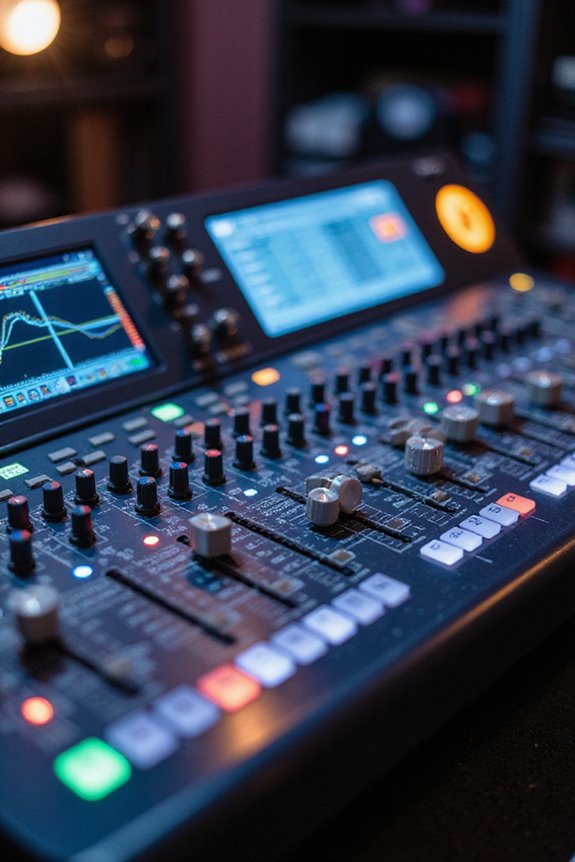
To guarantee our in-ear monitors (IEMs) deliver the best sound quality, we must carefully manage the signal flow and configure the mixer. Effective signal routing starts with sending audio from stage inputs through our mixing console. We typically assign separate aux sends for each band member to allow for personalized mixes. Using pre-fader aux sends guarantees that monitor levels remain independent from the front-of-house mix. For mix enhancement, balancing vocal and instrumental levels is critical for clarity. We can improve our mixes further by inserting equalizers on aux sends and using compression on vocal channels. This way, we maintain consistent levels and avoid sudden volume spikes, making sure every performer hears exactly what they need for an ideal performance.
Setting Up Individual Monitor Mixes
Setting up individual monitor mixes is essential for ensuring every performer hears exactly what they need to deliver their best. Each performer has unique preferences; for example, vocalists often require a louder mix for clarity, while drummers may need a focus on kick and snare for tight timing. To achieve this, we start by setting aux send levels to zero and then gradually adding channels based on performer requests. During soundchecks, we fine-tune these mixes, ensuring they’re comfortable and clear. By prioritizing mix clarity and addressing individual preferences, we create an ideal listening environment, ultimately enhancing the performance. Regular communication with performers helps us refine these mixes throughout the show, ensuring consistent audio quality.

Whether you're a keyboardist, drummer, or other musician whose performance keeps them anchored in one spot, the P2 Ultra-Compact Personal In-Ear Monitor Amplifier was designed specifically for you. A convenient hard-wired personal in-ear control center, the P2's belt pack puts monitor control right at your fingertips, plus it's powerful, lightweight and ultra-easy to use.

32 MIDAS-designed, fully programmable mic preamps for audiophile sound quality

CUE TALKBACK FUNCTION & STEREO MONITORING: SWIFF AUDIO WX520 wireless in ear monitor system supports stereo/mono switching and cue communication via external dynamic microphone, giving performers flexible monitoring and better coordination on stage.
Wireless System Management and Troubleshooting
Effective management of wireless in-ear monitor (IEM) systems can make a significant difference in live performance quality. We should prioritize frequency coordination to avoid interference and guarantee a seamless experience. Utilizing automatic frequency scanning can help us quickly find the clearest channels, minimizing setup time and complications.
During performances, monitoring for external RF interference is vital; we can mitigate issues by repositioning equipment or adjusting frequencies as needed. It’s important to keep an eye on battery life, using rechargeable options to extend runtime. If we encounter audio dropouts or static, we must act swiftly—rescan frequencies or reposition receivers to maintain clarity. By staying proactive, we can guarantee our wireless systems perform reliably, enhancing both our sound and the audience’s experience.

Reliable: 5.8 GHz true diversity wireless in ear monitor system, Solid RF connection over a 100 ft / 30.5 m distance, perform onstage or at home without interfering with other wireless devices

Xvive CU4 Hard Travel Case ONLY

Exceptional Sound Quality: If you are concerned about sound distortion, lack of clarity, poor audio quality, or noise issues, then choose our personal in-ear monitor amplifier. Because with it, you won't have these troubles
Proper Fit and Hearing Protection
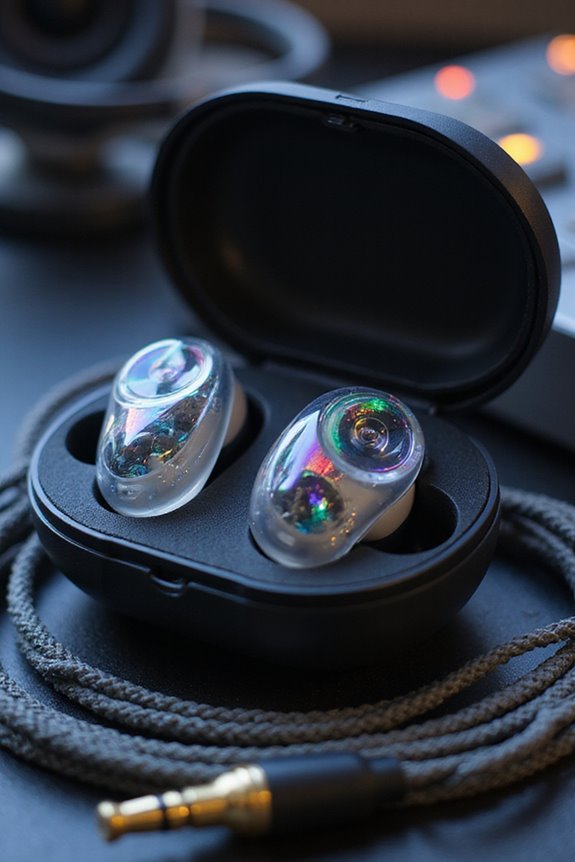
When we prioritize a proper fit for our in-ear monitors (IEMs), we’re not just enhancing our sound quality; we’re also taking an important step toward protecting our hearing. The right earpiece selection is key—experiment with different sizes and materials like Comply foam or SpinFit tips for that perfect snug fit. Using proper fitting techniques, such as pulling our ear back during insertion, helps achieve a secure seal, reducing external noise and preventing pressure buildup.
It’s vital to monitor volume levels to avoid damaging our hearing, especially in loud environments. Regular check-ups on our ear protection can guarantee we’re safeguarding our hearing without compromising sound quality. By focusing on fit and protection, we can enjoy our performances safely.
Benefits of In-Ear Monitors in Live Performance
In-ear monitors (IEMs) bring a host of advantages to live performances that can greatly enhance both the artist’s experience and the overall sound quality for the audience. One significant benefit is superior sound isolation. By sealing the ear canal, IEMs block out ambient noise, allowing us to hear a clear mix of vocals and instruments. This clarity helps with timing and pitch accuracy, essential for enthralling performances.
Additionally, IEMs offer customized monitor mixes tailored to our individual preferences. We can adjust our sound on the fly, ensuring we focus on what’s critical to our role. With reduced stage volume, feedback risks diminish, enhancing communication with sound engineers. Overall, IEMs elevate our mobility and stage presence, facilitating a dynamic connection with our audience.
Frequently Asked Questions
How Do I Choose the Right IEM System for My Band?
When choosing the right IEM system for our band, we should consider IEM types that fit our needs and budget considerations, balancing sound quality with costs to guarantee everyone has a great monitoring experience.
Can I Use IEMS With Traditional Floor Monitors?
Did you know that using IEMs can lower stage volume by up to 20 dB? While IEM compatibility with floor monitors is possible, we prefer mixing techniques that enhance clarity and reduce noise for peak performance.
What Are the Best Practices for Cleaning IEMS?
When it comes to cleaning IEMs, we recommend effective cleaning techniques and maintenance tips. Regularly disinfect, use microfiber cloths, avoid cotton swabs, and monitor moisture to guarantee longevity and sound quality for our devices.
How Do I Address Latency Issues With IEM Systems?
Like a tightrope walker, we must balance our latency solutions with digital processing. By minimizing signal complexity and optimizing buffer sizes, we can keep our performance seamless, ensuring we stay in sync with each other.
What Accessories Enhance the IEM Performance During Live Shows?
To enhance our IEM performance during live shows, we should prioritize cable management for clean setups and invest in reliable wireless transmitters to guarantee stable sound transmission. These upgrades considerably improve our overall stage experience.