As an Amazon Associate, we earn from qualifying purchases. Some links on this site are affiliate links at no extra cost to you. Our recommendations are based on thorough research and editorial judgment.

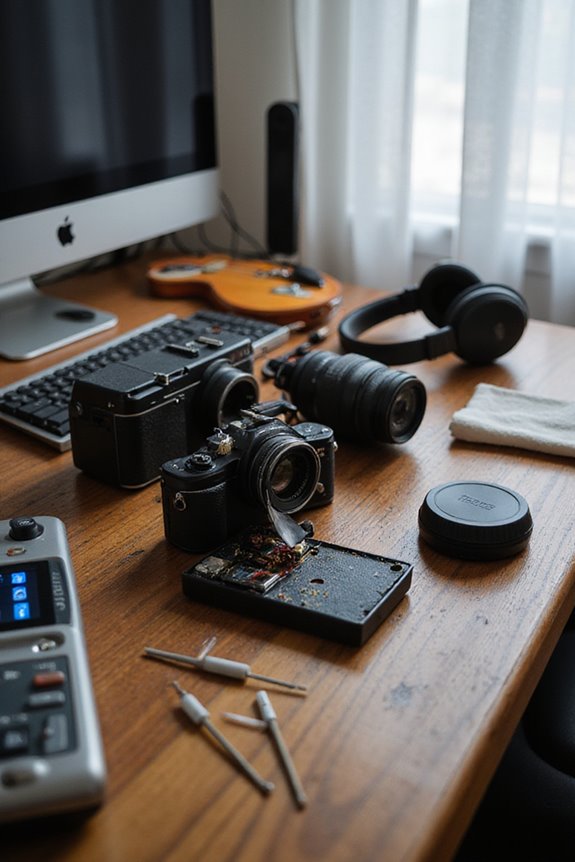
How to Fix Camera Sensor Dust

To fix dust on your camera sensor, we should start by identifying the issue using Aperture Priority mode, shooting against a white background. Next, we can utilize the built-in cleaning functions for light dust. For stubborn particles, dry cleaning with a specialized blower or sensor brush will help. If needed, we’ll follow up with wet cleaning using sensor swabs and approved fluids. Regular maintenance, like lens changing in a controlled environment, will also help minimize dust accumulation. Let’s explore these techniques further!
Key Takeaways
- Set your camera to Aperture Priority mode with low ISO and high f-stop to identify dust spots clearly against a plain background.
- Utilize built-in cleaning functions regularly to handle light dust particles efficiently.
- For dry cleaning, use a blower bulb and a dry sensor brush to remove loose dust without touching the sensor.
- For stubborn dust, apply a specialized cleaning fluid on sensor swabs and gently wipe in one direction.
- Practice regular maintenance by changing lenses in a controlled environment to minimize dust exposure.
Identifying Dust on Your Camera Sensor
You may be interested



Have you ever noticed strange spots on your photos that just won’t go away? We all face this issue, but dust detection on our camera sensor can be manageable with the right approach. First, let’s set our camera to Aperture Priority mode with a low ISO setting and the highest f-stop value. Using a plain white background or clear blue sky, we can enhance visibility. By zooming in and capturing an image, we can analyze it for dust spots. Reviewing the histogram helps us understand the image data spread, indicating whether our sensor is clean. With careful image analysis and proper techniques, we can effectively identify the dust and take steps toward resolution without unnecessary worry.
Built-in Cleaning Functions and Their Use
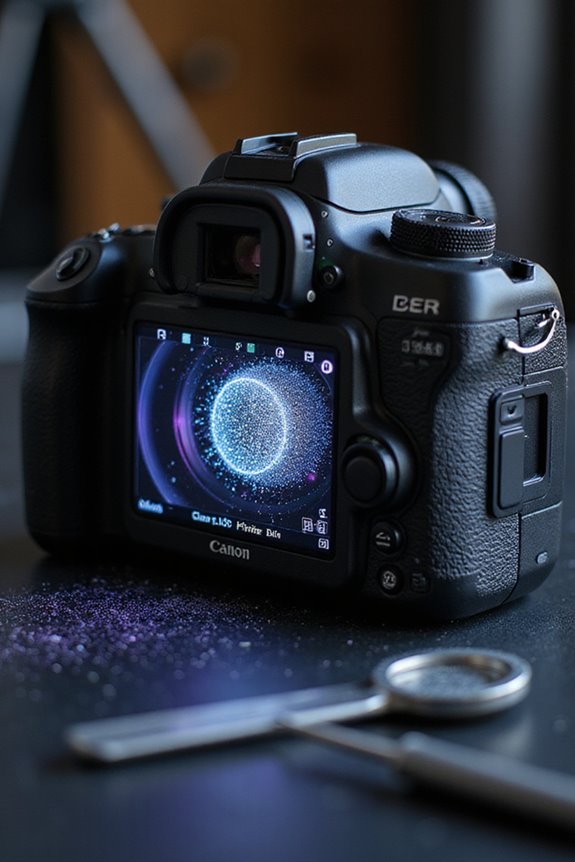
When tackling dust on our camera sensors, built-in cleaning functions can be a game-changer, especially for those of us who want to streamline the maintenance process. These features offer built-in efficiency, allowing us to quickly expose the sensor and simplify the cleaning routine without needing extra tools. We appreciate how easily accessible these functions are through our camera’s menu, making them convenient for regular use. However, while they can effectively handle light dust, they might struggle with stubborn particles. It’s essential to use them correctly to avoid spreading dust. Combining built-in functions with manual methods, like a blower, can enhance our overall cleaning strategy, ensuring our sensors stay in top shape for capturing stunning images.
Recommended Products

【PROFESSIONAL LENS CLEANING KIT】:Dslr cleaning kit includes Camera Dust Blower*1, Lens Cleaning Pen*1, Microfiber Lens Cleaning Cloths*2. Safe for all electronics, coated lenses and sensors.
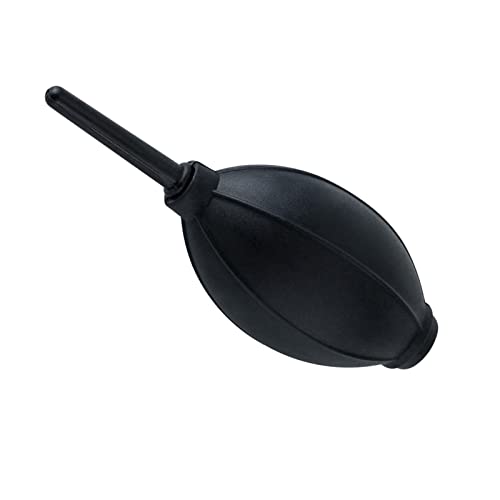
【Multipurpose】:Our dust-free air blower is perfect for cleaning LCD,sensor,digital camera lens, binocular lens, and telescope lens, filters, musical instruments, computers, keyboards, cellphone, etc.

Professional Camera Lens Cleaning Kit Includes: air blowing * 1, two in one cleaning pen * 1, brush * 1, beauty brush * 1, cleaning cloth * 5, lens paper * 20, cleaning rod * 4, detergent * 1, dry and wet bag *5, tweezers *1, storage box *1, cotton swab *5, instruction manual*1
Dry Cleaning Techniques for Sensor Maintenance
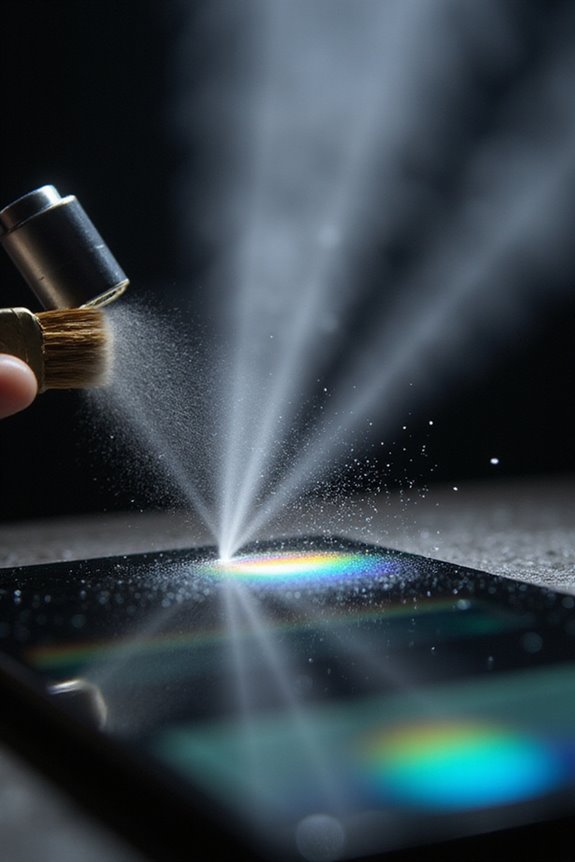
To guarantee our camera sensors remain pristine, dry cleaning techniques can be incredibly effective, especially for removing loose dust and debris. We can start with blower techniques, using a specialized blower bulb to gently remove any particles. It’s essential to keep the camera powered off and the lens removed for easy access to the sensor.
Next, we can enhance brush effectiveness by using a dry sensor brush or Arctic Butterfly, ensuring it’s the right size to avoid damage. By statically charging the brush with the blower, we increase its dust-lifting capabilities. After cleaning, let’s take test shots of a uniform background to confirm our efforts were successful, ensuring our sensors are dust-free and ready for action!
Recommended Products

【Award-Winning】: Winning the 2019 Red Dot Award.The thinking collision of water droplets and tumblers interprets the simple design aesthetics and Bring you a different Air Blower.

[Mini Air Blower - Precision Dust Removal]: Specifically designed to remove dust particles from camera lenses, hot-shoes, and zoom rings. Compact and powerful, this mini air blower ensures no corners are left untouched in your camera cleaning kit

Camera Lens Cleaning Kit (14 pieces), including, air blower, lens pen, cleaning brush, lint-free cloth, lens pen, storage bag, etc.
Wet Cleaning Methods for Stubborn Dust

Wet cleaning methods are essential for addressing stubborn dust particles that dry cleaning techniques often miss. To guarantee sensor safety, we’ll need sensor swabs and specialized cleaning fluids designed not to leave residue.
First, set the camera to expose the sensor using the menu options. Apply a small amount of fluid to the swab—too much can leave streaks. Gently wipe the sensor in one direction to avoid pushing dust further in. After cleaning, let it dry completely before reassembling the camera.
Finally, take a test photo to check for any remaining dust spots. If you’re unsure about the process, consider professional cleaning services, though they can be pricier than DIY methods. Additionally, using alcohol-free solutions can help protect the sensor from damage while ensuring a streak-free clean.
Recommended Products

💦EFFICIENT: This Lens Cleaner can quickly and effectively clean dust and stains on the lens and sensors.
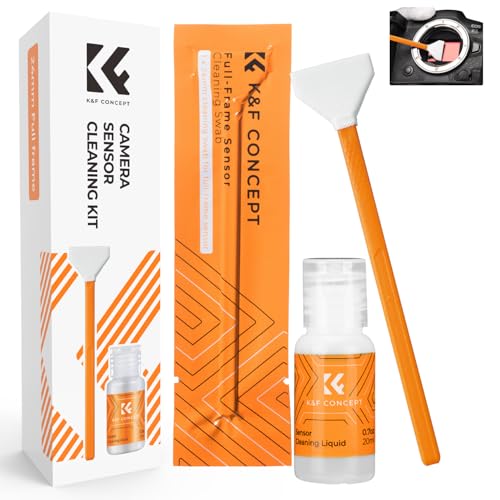
【6 Pieces of 24mm Sensor Cleaning Swabs】 Tailored according to the size of the Full frame frame sensor;Smudge-and lintfree, flexible grip rod allows the head to be close to the sensor without harm. The width of swab is 16mm and each swab is vacuum packaged.

SAFE ON ALL CRITICAL OPTICS - Eclipse optic cleaning fluid is one of the highest purity cleaners available. This powerful cleaning fluid won’t harm or damage any of your optical equipment.It is the ONLY wet method endorsed by ANY Camera Manufacturer. Use for cleaning all digital and critical optics including cameras, sensors, lenses, binoculars, telescopes, and projectors.
Regular Maintenance Tips to Prevent Dust Buildup
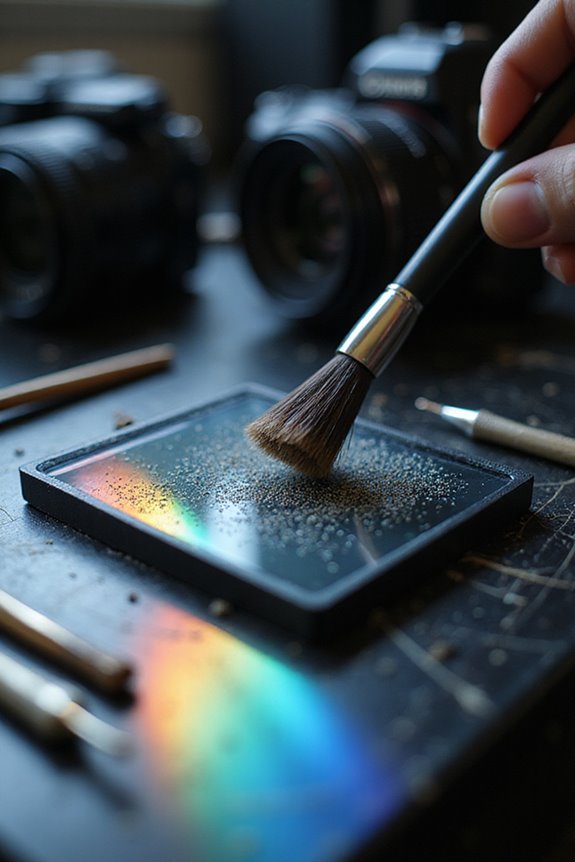
Regular maintenance is key to keeping our camera sensors free from dust and ensuring peak performance. First, we should always change lenses in a controlled environment to minimize dust exposure. Let’s make it a habit to power off our cameras during these changes, reducing static that attracts dust. After removing a lens, covering the camera body immediately can prevent dust from entering.
For lens storage, we must keep our lenses in clean, dry places, using lens caps when not in use. Regularly cleaning the camera bag helps minimize dust as well. By checking our equipment regularly and avoiding extreme temperatures, we can greatly enhance our camera’s longevity and performance, keeping dust at bay for good.
Recommended Products

Compatibility: Included 6 Pack Tempered-Glass Camera Lens Protector, Design for iPhone 14 Pro Max & iPhone15 Pro Max & iPhone 14 Pro & iPhone 15 Pro, Not for iPhone 16 Pro Max. fully protect your phone.

WHAT YOU CAN GET: 1 camera lens Cleaner 50ml + 1 air blower + 1 two in one Lens Cleaning Pen + 1 Retractable wool soft brush + 5 sensor cleaning swab + 25 lens cleaning Tissue Paper + 2 Microfiber Cleaning Cloth + 8 Cleaner Wipes + 1 storage box.

COMPATIBILITY: Included 2 pack tempered-glass front camera lens protector and 1 Built-in lens protector cover designed for Meta Quest 3 VR Headset.
Frequently Asked Questions
Can Dust on the Sensor Affect Video Quality?
Absolutely, we’ve noticed that dust on the sensor can negatively impact video clarity. Regular sensor maintenance helps us avoid these issues, ensuring our footage remains clean and professional, free from distracting spots during editing.
How Do I Know When to Hire a Professional?
When our creative endeavors resemble a canvas marred by stubborn smudges, it’s time to contemplate professional services for sensor cleaning. We’ll know it’s necessary after repeated attempts fail, or when contamination feels beyond our reach.
Is It Safe to Clean My Sensor Outdoors?
When it comes to outdoor cleaning, we should prioritize sensor safety. Wind, dust, and moisture can complicate the process, so we often recommend finding a sheltered spot or cleaning indoors for better results.
What Tools Should I Avoid for Cleaning the Sensor?
When it comes to cleaning our camera sensors, we should avoid tools like vacuum cleaners or household wipes. They can cause damage or leave residues, compromising our sensors’ performance and longevity. Let’s stick to safer alternatives!
Can Using Filters Help Reduce Dust on the Sensor?
Like a shield in battle, filters offer some protection, but their effectiveness in reducing sensor dust is limited. For ideal sensor maintenance, we need to focus on proper techniques rather than relying solely on filters.