As an Amazon Associate, we earn from qualifying purchases. Some links on this site are affiliate links at no extra cost to you. Our recommendations are based on thorough research and editorial judgment.


How to Clean a Stuck Zoom Lens

To clean a stuck zoom lens, we first identify common causes like dirt or mechanical obstructions. We can start by conducting a power cycle—turning off the camera, removing the battery, and waiting a few minutes. If that doesn’t work, we can gently tap the camera to dislodge debris or use a bulb air blower for loose particles. Keeping the lens exterior clean with a microfiber cloth prevents future issues. Want to explore more detailed techniques?
Key Takeaways
- Check for mechanical obstructions or debris around the lens, and gently tap the camera against your palm to dislodge any particles.
- Power cycle the camera by removing the battery and memory card, then reinserting them after a few minutes to reset the internal software.
- Carefully twist the lens barrel in the normal direction while powered off to help free any stuck components.
- Use a bulb air blower and soft brush to clean out loose dirt and debris from the lens and surrounding areas.
- If the lens remains stuck or makes grinding noises, seek professional assistance to avoid further damage.
Understanding the Causes of a Stuck Zoom Lens
You may be interested



When we experience a stuck zoom lens, it’s often due to a variety of underlying issues that can greatly affect our photography. One common issue involves mechanical obstructions. Misalignment of internal components, foreign objects lodged inside the barrel, or even an engaged zoom lock can all prevent movement.
Additionally, dirt and debris play a significant role. Dust accumulation and sand particles can jam gears, making smooth operation difficult. Oils and grime attract further dirt, worsening blockages. Even moisture can swell and corrode components, increasing friction. Recognizing these causes not only helps us address the problem but also encourages better maintenance practices, ensuring our gear remains in top condition for capturing those precious moments.
Initial Diagnosis and Power Cycle

To effectively tackle a stuck zoom lens, we need to start with an initial diagnosis that helps identify the root of the problem. First, let’s check the battery charge level to verify it’s properly installed—insufficient power often disrupts lens behavior. If we see error messages like “Turn the power off, then on,” it’s a strong indication of lens drive issues. Next, power off the camera completely, removing the battery and memory card for a few minutes. This power cycle allows any residual power to clear, resetting the internal software. After reinserting the battery, we can turn the camera back on and test the zoom lens for improved functionality. If issues persist, we may need to explore further options.
Physical Attempts to Free the Lens
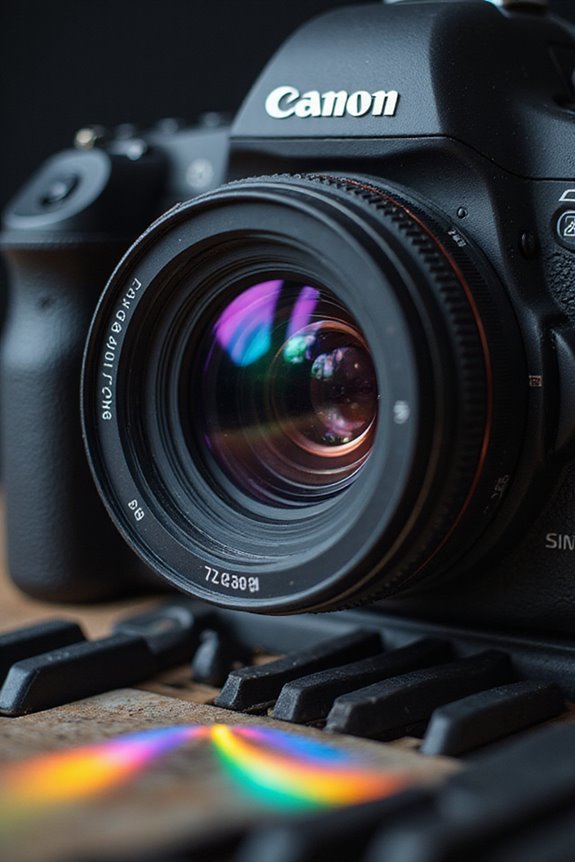
Having completed the initial diagnosis and power cycle, we can now explore practical methods to physically free a stuck zoom lens. First, we can gently tap the camera against our palm to dislodge debris that might be causing the jam. While the camera is powered off, we can also try to manually twist the lens barrel in the direction it normally moves.
For effective debris removal, using a bulb air blower to eliminate loose particles without touching the lens is ideal. If deeper debris is stubborn, a soft brush can help sweep away dust. Through careful mechanical manipulation and avoidance of excessive force, we can often achieve smooth lens operation again.
Recommended Products

【Large Volume】Powerful air stream blows off the dust on the lens, sensor, and camera easily.
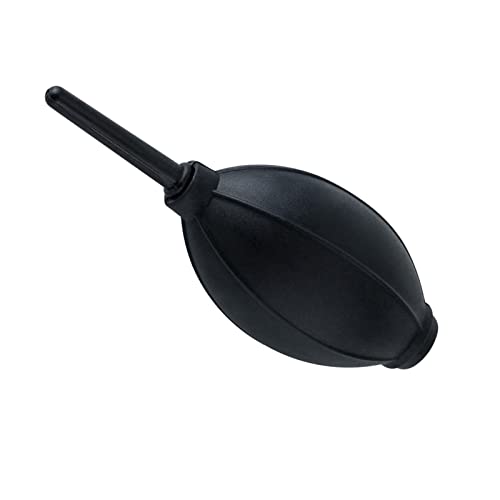
【Multipurpose】:Our dust-free air blower is perfect for cleaning LCD,sensor,digital camera lens, binocular lens, and telescope lens, filters, musical instruments, computers, keyboards, cellphone, etc.

【PROFESSIONAL LENS CLEANING KIT】:Dslr cleaning kit includes Camera Dust Blower*1, Lens Cleaning Pen*1, Microfiber Lens Cleaning Cloths*2. Safe for all electronics, coated lenses and sensors.
Cleaning the Lens Exterior to Prevent Further Issues

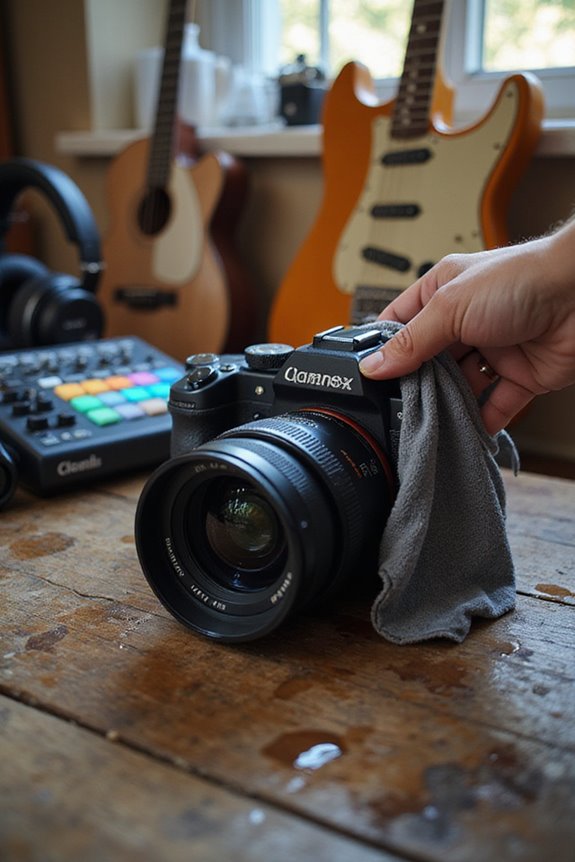
Cleaning the exterior of our lens is one of the most effective ways to prevent issues like sticking or blurry images. By practicing proper lens care, we can effectively manage dirt prevention. Start by using a wet microfiber cloth to gently wipe the lens, removing dust and grime. Remember to use distilled water or a lens cleaning solution for stubborn spots. For small crevices, a damp Q-tip can work wonders. We should also clean the lens hood and caps regularly, as dirt can migrate and cause further problems. Finally, let’s guarantee our cleaning tools are spotless to avoid introducing new dirt. By keeping our lenses clean, we’re setting ourselves up for better performance in our photography endeavors!
Recommended Products

Premium Ultra-Soft Microfiber: Effortlessly removes fingerprints, smudges, oil, and dust without scratching—leaving lenses and screens spotless and streak-free.

Clear Performance - Microfiber cleaning cloth, meticulously crafted from proprietary, dense, absorbent Materials. Extremely high-quality and soft,absorbs and removes dust,oil,smudges,fingerprints,and dirt. Leaving your lenses spotless every time.

Glasses cleaner - Sourced from the highest quality microfiber that absorbs and removes dust, oil, smudges, fingerprints, dirt, and more. Leaves no scratches, streaks, marks, or lint behind. The perfect eyeglass cleaner for reading glasses, women, men, adults, him, her, teens, and more.
Specialized Lens Cleaning Tools and Materials
When it comes to maintaining our photography gear, specialized lens cleaning tools and materials play an essential role in preserving the longevity and performance of zoom lenses. A reliable lens pen with a dual-ended design is perfect for smudges, while an air blower allows us to gently remove dust without scratching the surface. Utilizing a lens brush helps dislodge particles effectively. For thorough cleaning, we should use a cleaning solution formulated for optical coatings, applied to a microfiber cloth. Pre-moistened wipes are great for quick touch-ups. By mastering these cleaning techniques, we guarantee our lenses remain clear and functional, helping us capture the stunning images we seek. Additionally, using alcohol-free solutions ensures safe cleaning without damaging lens coatings. Let’s keep our gear in top shape!
Recommended Products

Introducing our new simple lens-cleaning system effective, durable and long lasting
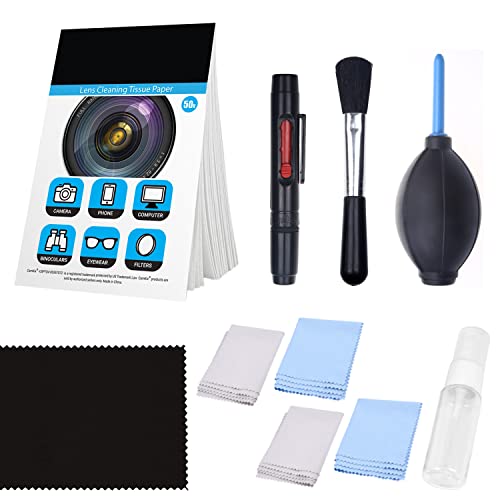
IMMACULATE RESULTS ▸ This kit includes a variety of cleaning tools to help keep your DSLR, compact camera or action camera clean, spotless and ready to use.

MUST-HAVE ACCESSORY - Ensure crystal clear optics with the SIG SAUER Lens Cleaning Kit, an essential accessory for maintaining your scope or binoculars. This kit is compatible with all optics, offering a reliable solution for keeping your lenses clean
Firmware and Software Troubleshooting
After verifying our cleaning tools are at the ready, it’s time to turn our attention to firmware and software troubleshooting, which can greatly impact the functionality of our zoom lenses. First, let’s check for firmware updates. Outdated firmware can lead to software glitches that cause our zoom lenses to become unresponsive. It’s important to download these updates from official manufacturer websites and follow their specific installation instructions meticulously. Sometimes, simply resetting our lens and camera firmware to the latest versions can clear up communication bugs. If our updates don’t help, we might try disconnecting the lens, rebooting the camera, and then reattaching it. Regularly checking for updates guarantees our equipment stays compatible and fully functional, thereby reducing hassle over time.
Preventative Maintenance and Handling Tips
To guarantee our zoom lenses remain in peak condition, proactive care goes a long way. First off, we should always prioritize proper lens storage. Keeping our lenses in a cushioned case protects them from dust, moisture, and accidental impacts.
Next, careful handling is essential. When adjusting the zoom or focusing, let’s avoid applying excessive pressure, which could strain the mechanisms inside. Always make certain our hands are clean and dry before touching the lens, as oils can cause smudging.
Regularly check for any dirt or debris, gently cleaning with a microfiber cloth when needed. By following these simple practices, we can extend the lifespan of our zoom lenses and enhance our overall photography experience. Additionally, using high-quality materials in your cleaning tools can help prevent damage to sensitive components.
Recommended Products

【Great Value Set】Package contains 80 pack multi-color glasses cleaning cloth (black, grey, yellow and light blue, 20 pcs for each color). Enough quantity ensures that you can clean your glasses and screens at home, at work, outdoors, etc.

30-pack of ultra-soft cleaning cloths (29 grey and 1 white) made of high-quality tightly woven microfiber material

PREMIUM MATERIAL: High-quality soft microfiber cloth absorbs and removes surface dust, oil, smudges, fingerprints, and grime. Leaves no streaks, scratches, marks, or lint. Perfectly cleans all delicate surfaces
When to Seek Professional Help
Despite our best efforts in proper maintenance and handling, there are times when a zoom lens may require professional attention. If we notice the zoom remains immobile despite gentle manual attempts, or if we hear grinding or clicking noises during zooming, it’s time to seek lens repair. External damage or a jamming zoom ring indicates potential issues, too. Remember, the risks associated with DIY repairs can often outweigh the benefits, including voiding warranties and causing further damage. Professional services employ trained technicians who use specialized tools for diagnosis, cleaning, and repairs, ensuring our lens functions smoothly again. When in doubt, a quick evaluation can save us time and money down the line.
Recommended Products

COMPATIBILITY: This lens repair tool features 0.75mm thread pitches and an adjustable clamp for ø27-130mm lenses and filters. Note: Lenses and filters sold separately

Zoom Grip Rubber Ring Repair Parts Compatible With Tamron 18-400mm F/3.5-6.3 Di II VC HLD B028 Lens

Compatibility: This product is compatible with Canon EF 24-70mm f/2.8L II
Frequently Asked Questions
Can a Stuck Zoom Lens Damage the Camera Body?
Just like a ship’s anchor, a stuck zoom lens can weigh down our camera’s performance. Through regular lens maintenance, we can help guarantee camera protection and prevent potential damage that might arise from such jams.
What Do I Do if My Lens Breaks While Cleaning It?
If our lens breaks while cleaning, we should stop immediately. Let’s assess the damage carefully and consider professional help. Remember, good lens maintenance and gentle cleaning techniques can prevent such unfortunate situations in the future.
Is It Safe to Use Compressed Air on My Lens?
As we navigate the delicate dance of lens maintenance, we’ve learned that while compressed air can clear debris, improper cleaning techniques may turn our optics into blurred vistas. Safer methods guarantee we preserve clarity and finesse.
How Often Should I Clean My Camera Lens?
When it comes to lens maintenance, we should clean our camera lenses based on visibility. Regular checks every two to three months are wise, but we’ll clean more often if dirt or smudges appear.
Can Humidity Affect My Zoom Lens Functionality?
When humidity plays its tricks, we might find our zoom lens isn’t quite dancing to our tune. We must prioritize lens maintenance to guarantee functionality, as those humidity effects can cause unexpected surprises inside our precious equipment.